I wanted to work through a cool little sprite material that was made by DroppedBeat and its on the Material Maker site to download and look at.
I tried to treat it as a learning exercise and work through without looking at their node network until end to see how well I could get there. I ended up with almost the same network as the original but was a fun little exercise in learning this tool.
Its built in the same way:
- Creating a flame shape using circle and gradient distortion.
- Then subtracting the wick area with another circle that has been distorted and blurred.
- The overall shape it scaled and then it is colourised with multiple gradients.
- The soft effect is created using multiple blur nodes in different directions. Then composited together using a blend node.
- The animated effect is created by adjusting the UV's using two noise nodes transformed with time added to the y direction translation.
- Then it is warped twice to fine tune the flickering/flowing effect and its opacity is blended with a vertical gradient.
- This is then added to the custom UV node to distort the candle flame image created previously.
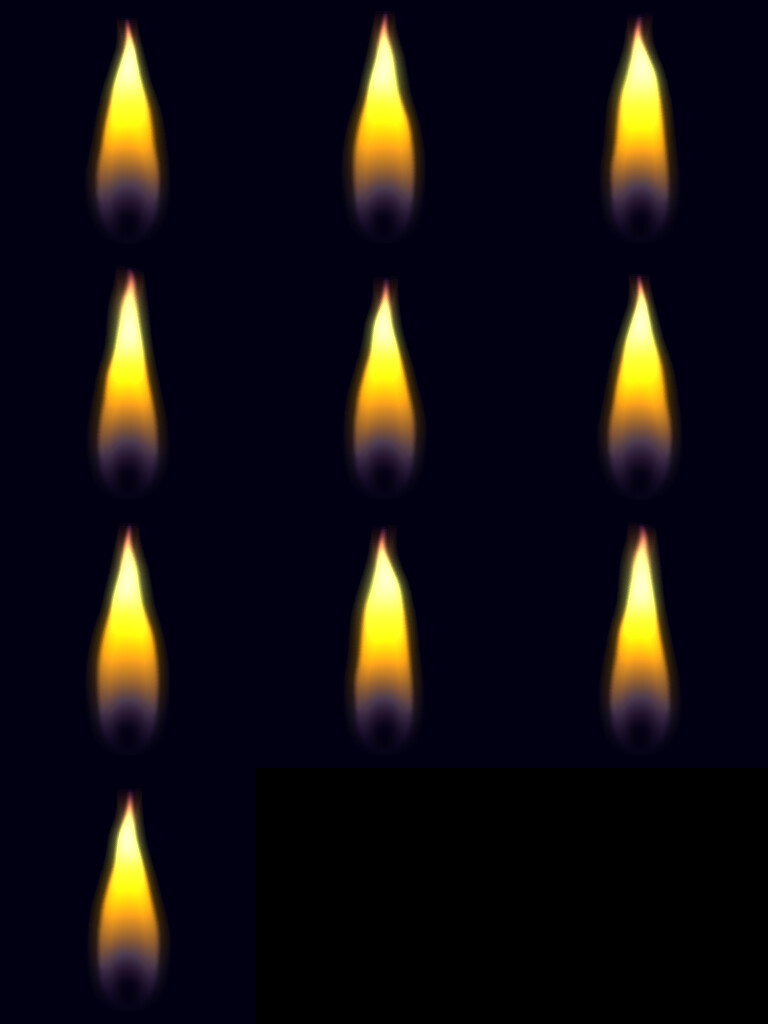
There is a nice sprite export as well that gives you various options to get sprite sheets out very quickly.
Node Network

Sprite Sheet Generated
MP4 grab in material maker
I want to use the tool more as its very flexible and quite a nice alternative to Substance Suite. If anyone wants to try it, its free to use and you can do some pretty cool stuff with it.